
IDEX Biometrics
Demo card guide
This guide is for anyone who has received an IDEX biometric demo card. It walks you through how to register the card and test digital login using FIDO2 in a demo environment.
Secure FIDO2 login
FIDO2 enables passwordless login using cryptographic authentication instead of passwords.
Biometric protection
Your fingerprint authenticates the FIDO login. The same fingerprint verification is also used for physical access.
After downloading the app
Enrol your fingerprint
Biometric enrolment can be completed on the card using the IDEX enrolment app
The default enrolment passcode is 1234
After enrolling your fingerprint
Test your demo card
You will now be guided through registering the card on a demo website and experiencing passwordless login.
The demo card is for testing only and must not be used with real services such as Windows, Google, or similar platforms.
Step 1) Open the demo website
Open the demo website where you’ll register the card and test FIDO2 login. The demo website is hosted by Token2.
Open FiDO2 demo site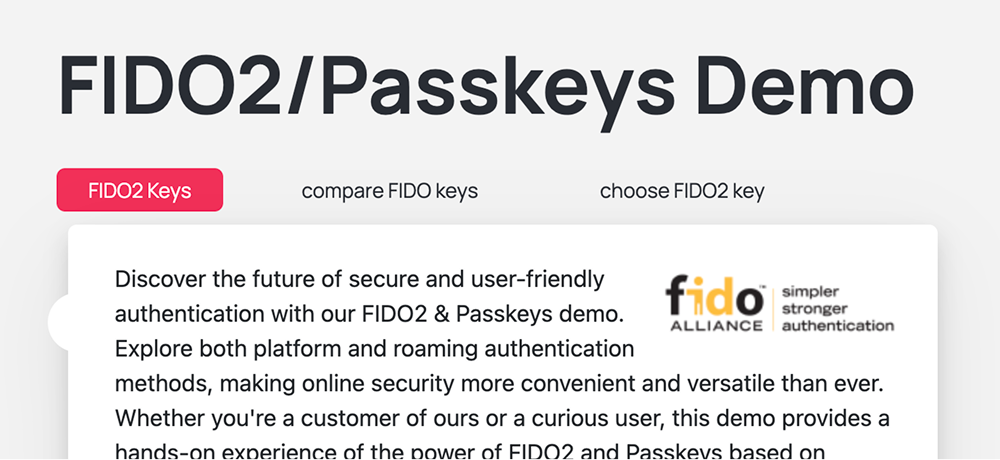
Step 2) Register the card
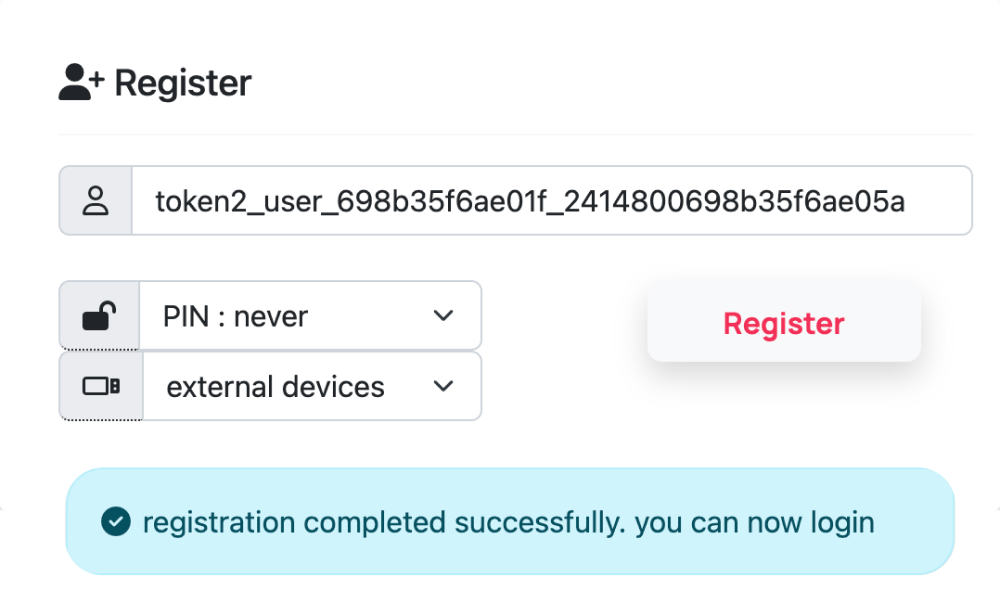
On the demo website, follow the on-screen instructions to register your card. You can do this using either an NFC reader connected to your desktop or by using your mobile phone as the NFC reader.
Important: Keep your finger on the sensor while registering and logging in, otherwise the card may not be detected.
Step 3) Login
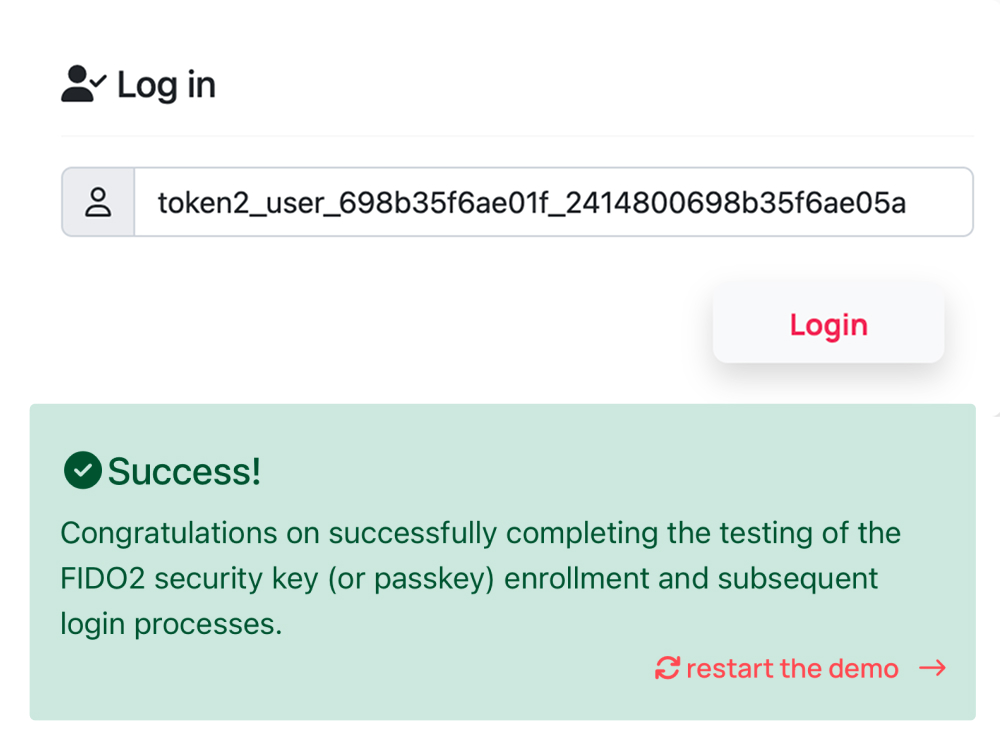
Use the registered card and your fingerprint to log in on the demo website by following the instructions shown in the login box.
Need help finding the NFC reader on your phone?
If you’re using a phone and the card is not detected, the most common reason is that it is not positioned close enough to the phone’s NFC reader. On iPhone, the NFC reader is located near the top edge of the phone, while placement varies on Android devices – refer to NFC support on Samsung phones or NFC on Pixel devices for model-specific guidance.
Broad compatibility
Commercial, non-demo IDEX biometric cards can be used with leading physical access systems and digital authentication services.






Want to explore the technical details or security?
Download detailed specifications or review the card’s security design and architecture.